
Platform
Renewables Connect
A ground-up rebuild of a SharePoint-based learning platform into a four-app system — learner, institution, employer and admin — with a working dashboard, module viewer, progress tracking and assessment engine, built to serve thousands of learners globally.
At a glance
A ground-up rebuild of a SharePoint-based learning platform into a four-app system — learner, institution, employer and admin — with a working dashboard, module viewer, progress tracking and assessment engine, built to serve thousands of learners globally.
Technology
Backend & data
Content
Authentication
Data visualisation
Hosting & CI/CD
Brief
Where it started.
Renewables Connect deliver professional training for the global renewables industry. Their existing learning platform ran on SharePoint — course content served as static PDFs, no structured progress tracking, no learner accounts that followed a student from one device to another. As the course catalogue expanded, the platform couldn't hold up: editors had no authoring environment beyond file management, and learners had no meaningful experience.
The agreed brief was a complete rebuild on a modern stack, scoped as four connected apps rather than one monolith: a learner-facing platform, an institution dashboard for education partners, an employer app for talent discovery, and an internal admin console — all sharing a common type system and design language, designed to a minimum of 5,000 registered learners globally from day one.
Architecture
How it's built.
The build is a Next.js monorepo: four apps (learner, institution, employer, admin) plus two shared packages — a TypeScript type library used across all four, and a typed API client — so a Learner, a Certificate or a JobRole means the same thing everywhere it's referenced. Learner authentication runs on Microsoft Authentication via Azure AD B2C (MSAL), chosen so the platform can accept both direct email/password sign-ups and “Sign in with Microsoft” for learners with existing accounts. Course content is currently structured TypeScript content files — each sub-module an ordered set of sections and typed content blocks (text, image, video, audio, callout, chart, quiz) — with a Sanity CMS integration scoped for when a non-developer content team needs to publish without a deploy.
The module viewer renders those content blocks against a table-of-contents sidebar with a live reading-progress bar and deep-linkable sections. Chart.js visualisations run throughout the curriculum in a consistent dark “data card” style, and each sub-module ends in a Confirmation of Learning assessment — scored, explained, and gated behind a 70% pass mark. Progress, quiz scores and completion state are tracked per learner and designed to sync through Azure Functions and Azure SQL once that backend layer is deployed, so a learner's place in the course follows them from device to device rather than living only in one browser.
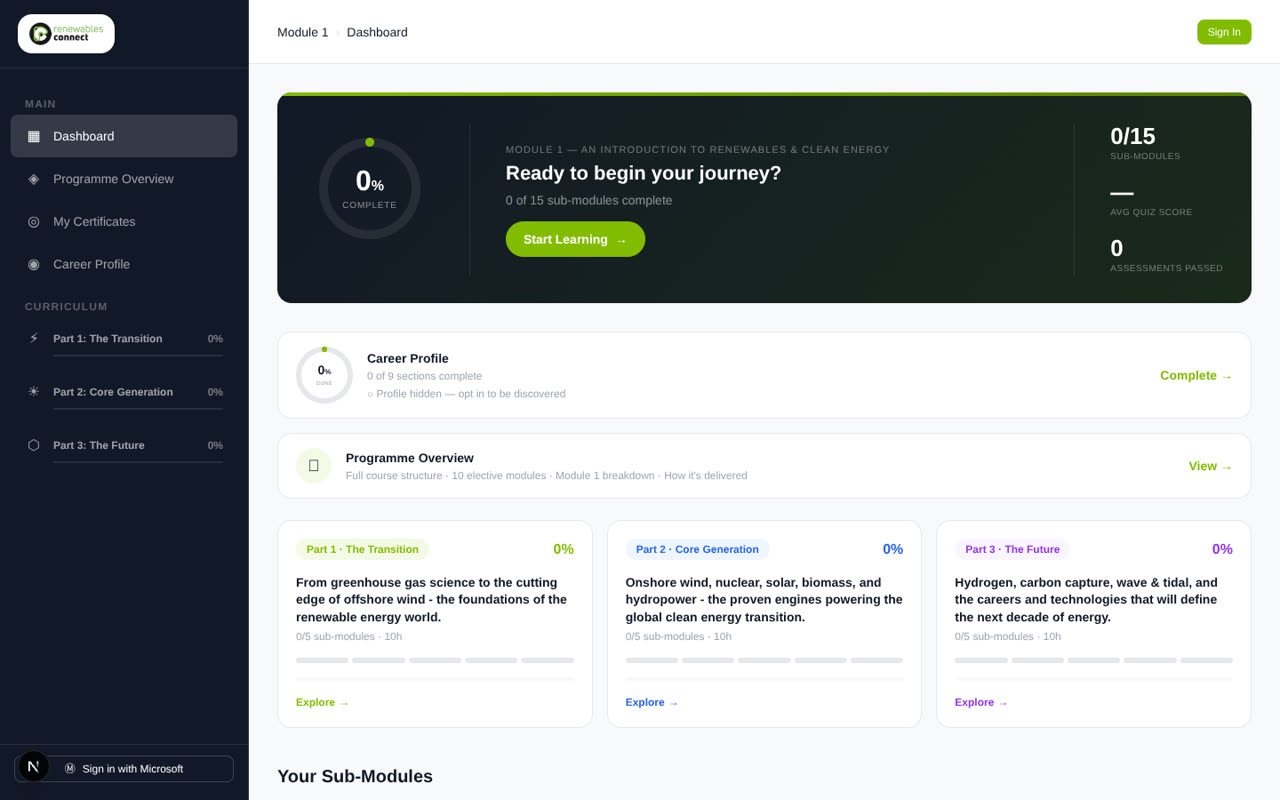
Learner dashboard — programme progress at a glance
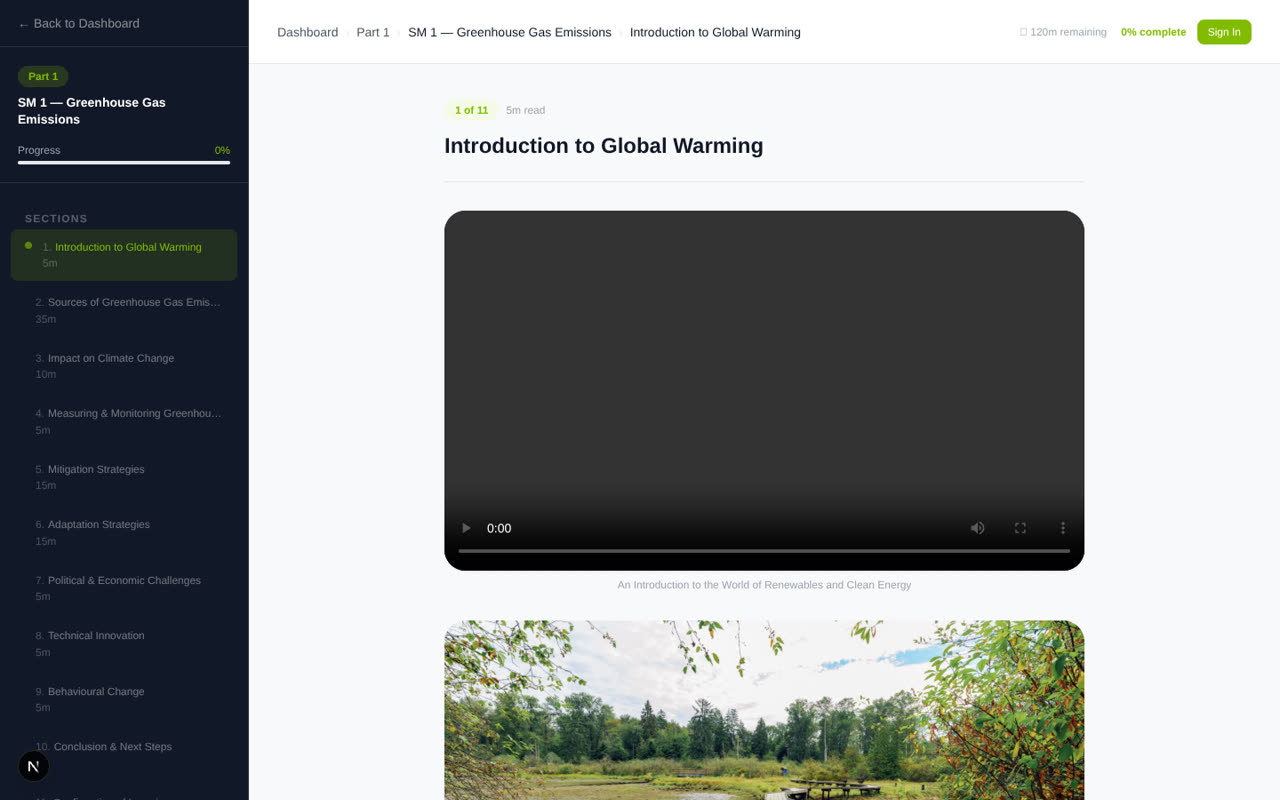
Module viewer — sectioned content with reading progress
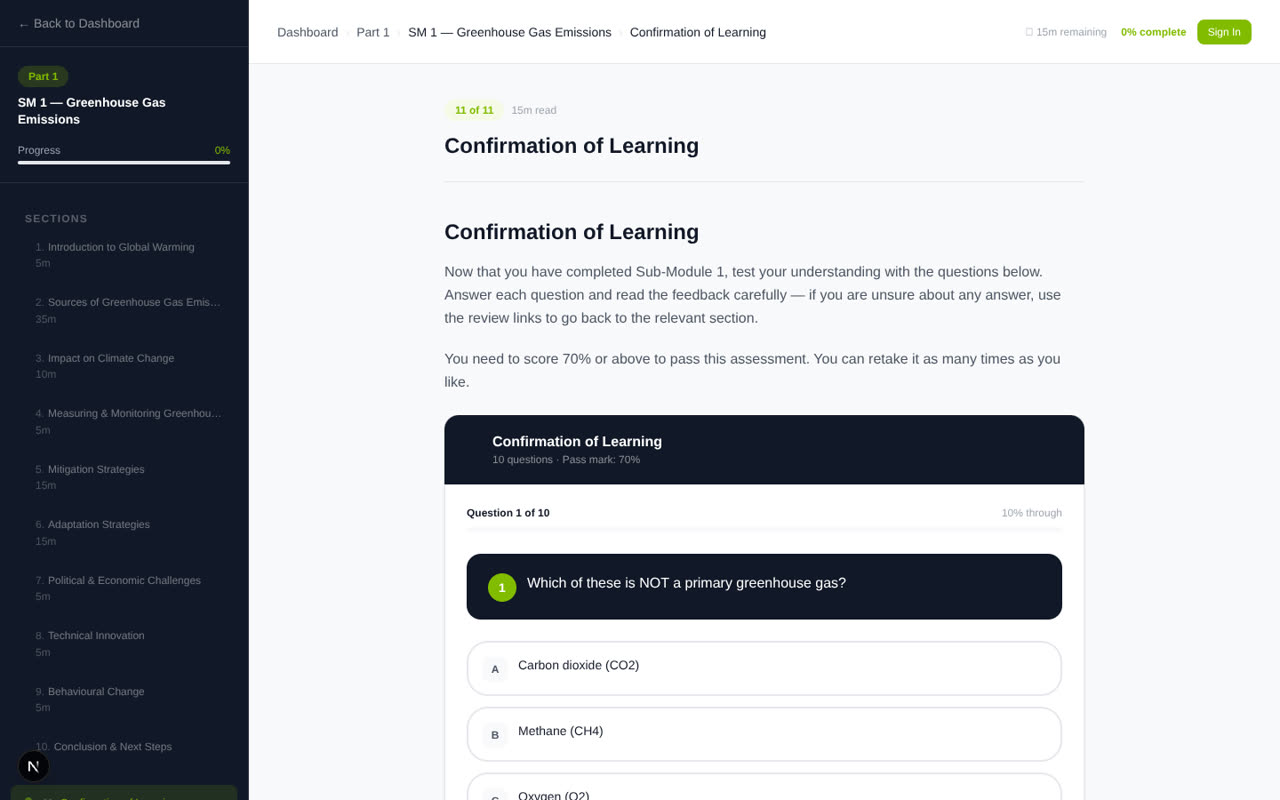
Confirmation of Learning — scored assessment with feedback
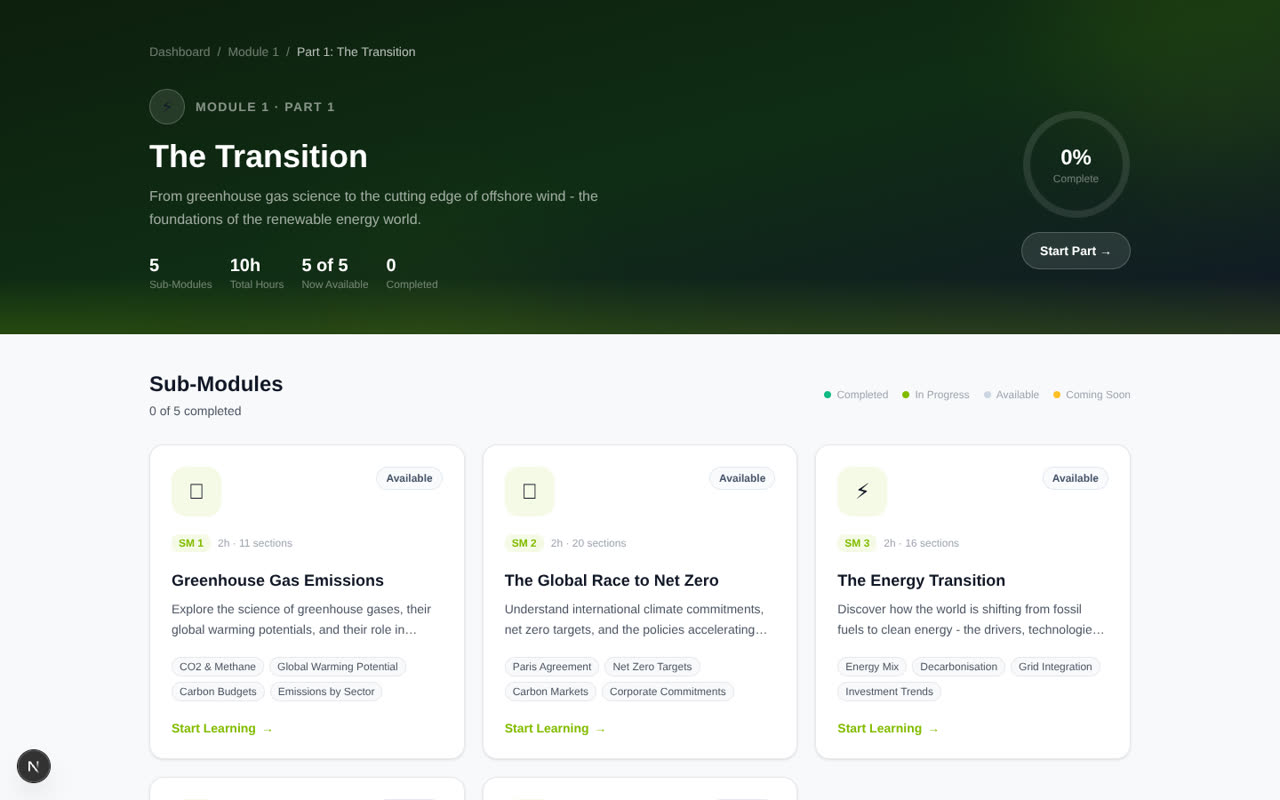
Part overview — sub-module cards with live status
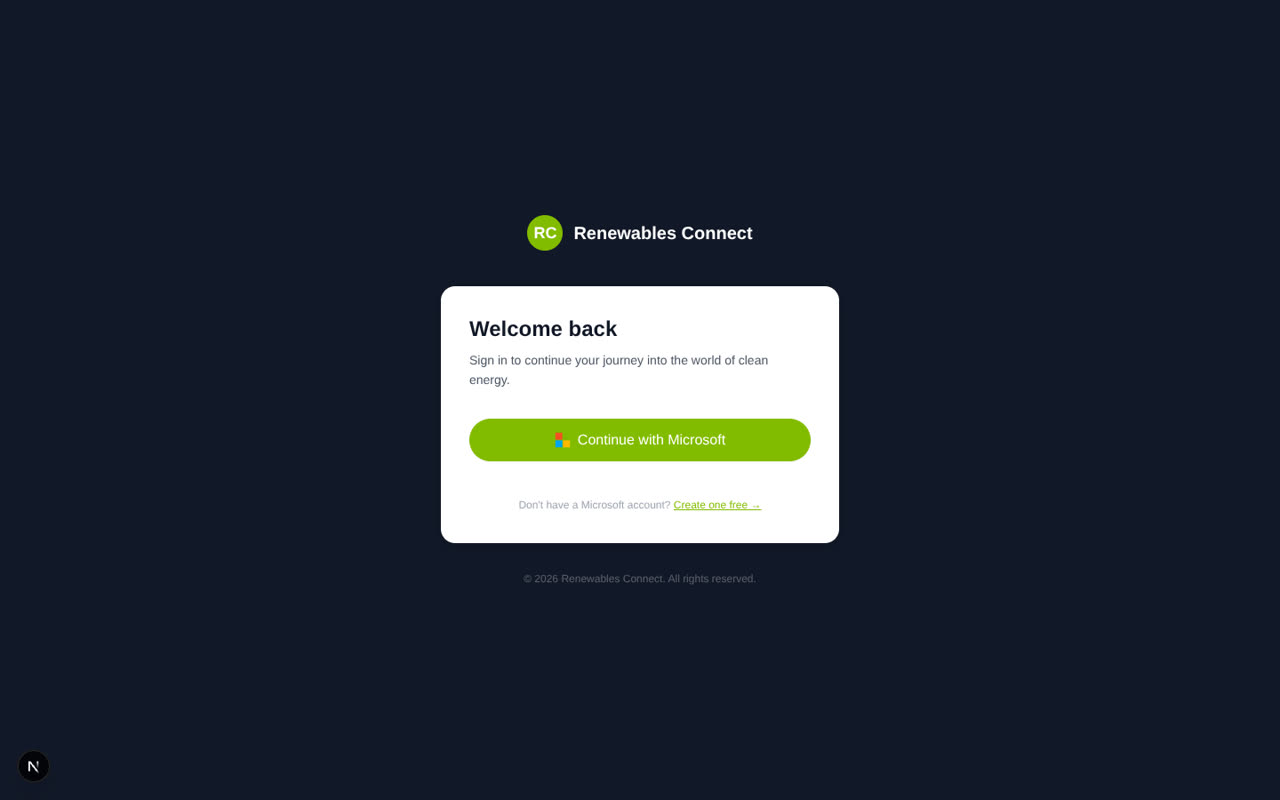
Sign-in — Microsoft Authentication via Azure AD B2C
Building a platform this size?
All fifteen sub-modules of the first course are built, with eleven of the fifteen carrying a live Confirmation of Learning quiz — the module viewer, dashboard, part overview and sign-in screens shown above are working, navigable UI, not mockups. If you need a platform built to scale from day one, with the data model, authentication and content architecture thought through properly, that's the kind of build this is. See learning platforms for the full breakdown.